

 EXAMPLE
Give customers a simple way to find your services, choose a time, and book. Bring appointments, people, spaces, and availability together in one workspace, so your team spends less time on admin and more time on the people who keep your business moving.
Free setup with Mini. Monthly subscription applies.
Booking experiences for clinics, talent, creative teams, and showrooms.
EXAMPLE
 EXAMPLE
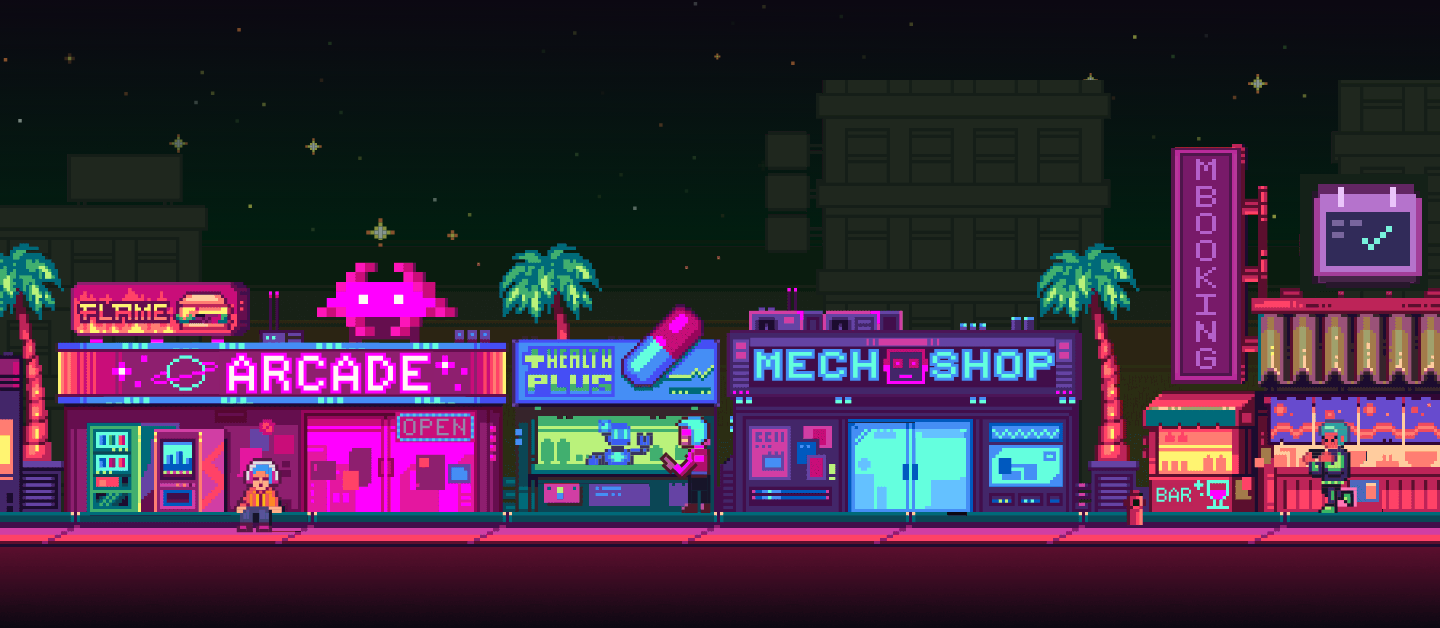
A patient chooses an appointment. The clinic team sees the visit, the dentist, and the time in one schedule.
 EXAMPLE
 EXAMPLE
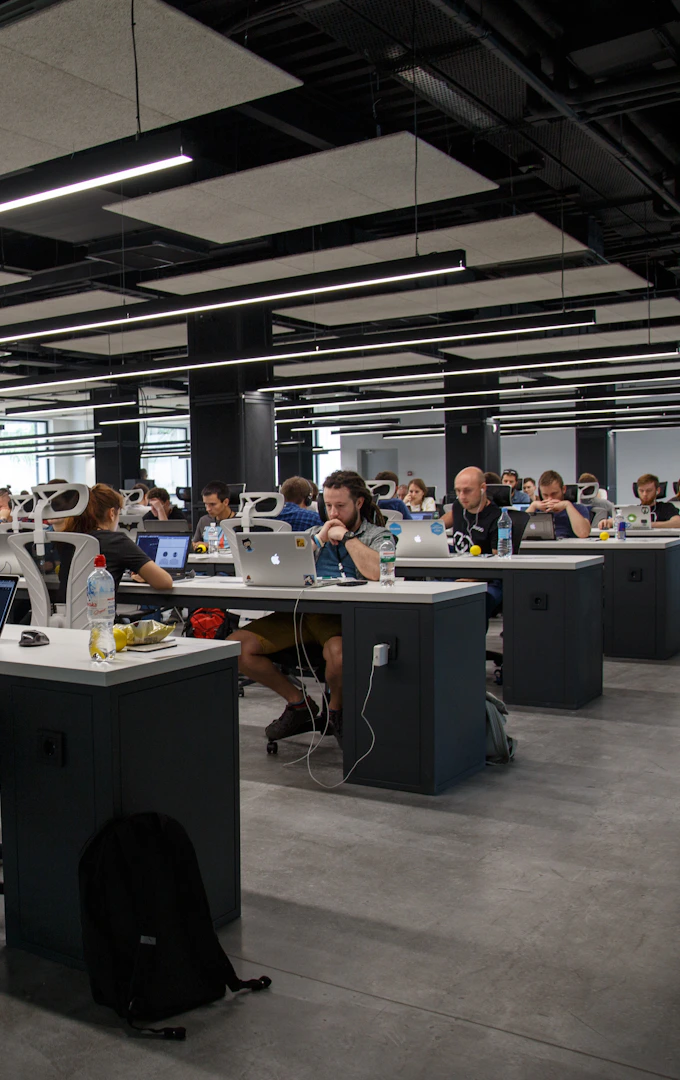
A client finds the right talent and books a date. The team keeps the artist, event details, and schedule connected.
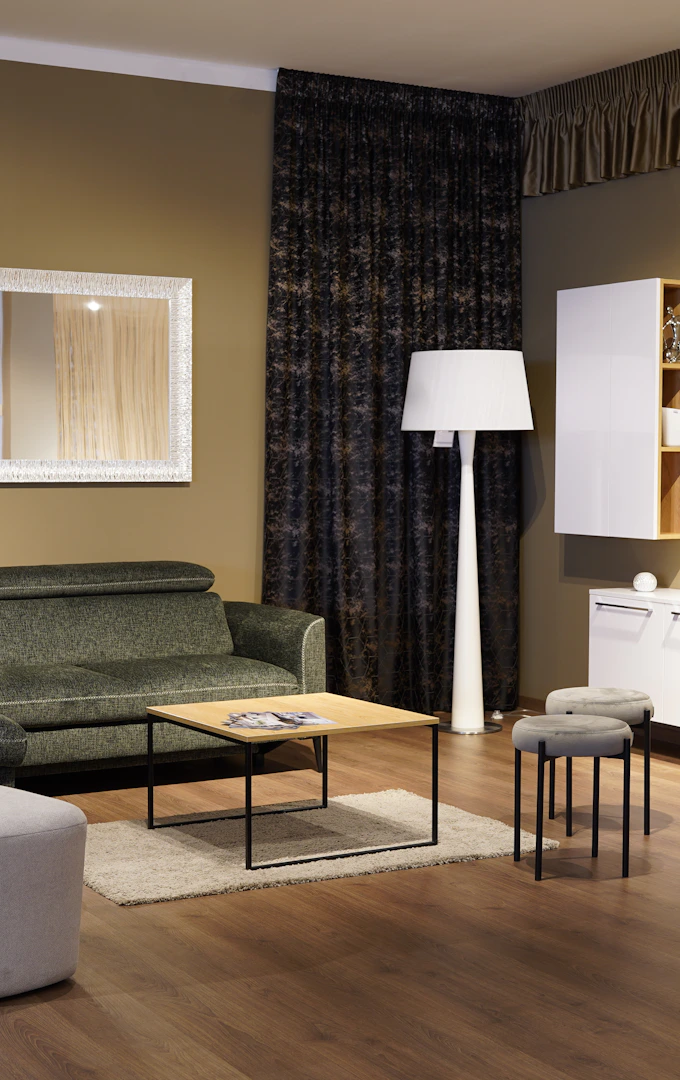
A client books a consultation. MONARQ brings the meeting, the people, and the shared workspace into one view.
Figures and workflows are illustrative examples, not measured customer results or promised outcomes. Photos illustrate the service categories; they are not client premises or testimonials.
Online booking, your team’s calendar, payments, notifications, and reporting.
Everything works together, around the way your business runs.
Let customers choose a service and an available time, then confirm their visit in a few simple steps.
 INTERACTIVE SAMPLE
Choose a service to explore the booking flow.
Choose a sample day and time.
One last look before you’re booked.
Your sample appointment is ready to view in the workspace.
See visits, people, and spaces together. Move between day, week, month, and list views without losing the details.
Explore a sample calendar view.
Keep booking prices, collected payments, and refunds in view. Payment options depend on your package and provider setup.
See the reportingExplore a sample payments view.
Follow booking confirmations and reminders from the same workspace. Your team can see the notification history for each appointment.
See the connected journeyExplore a sample notifications view.
Understand booking activity, attendance, collected payments, and capacity. Give the next decision a clearer starting point.
Explore the numbersExplore a sample insights view.
Free setup with Mini. Monthly subscription applies.
From the first available time to the next visit.
A simpler journey for your customers, and a clearer day for your team.
Customers choose a service and an available slot, without the back-and-forth.
Personal session
Tomorrow · 10:30
The booking is confirmed and the customer gets the next steps.
The appointment appears in the shared calendar with its people and space.
Follow attendance, payment activity, and capacity as your business grows.
Illustrative journey. Try a sample booking above; nothing is saved, charged, or sent.
Follow booking activity, attendance, payments, and capacity.
The actual MBOOKING reports interface, ready to explore with sample figures.
EGP 198,000 collected · EGP 3,000 refunded
Sample payments, separate from quoted booking value.240 completed visits out of 252 recorded attendance outcomes.
156 occupied seats out of 200 published seats across 24 sessions.
Booking activity, payment reporting, and capacity insights.
Sample report · Actual product components · No customer records are accessed.
Connect payments, website reporting, and business systems to your MBOOKING workspace. Build around the tools your team already uses.
A payment connection for supported booking and subscription workflows.
Configured credentials and supported payment methods are required. This preview does not process payments.
Bring website performance into the reporting workspace.
Google access and website mappings are configured by the platform team. Availability depends on the business setup.
Map selected business records to your Odoo environment.
Odoo 19+ with JSON-2 API access is supported. Connections are configured, reviewed, and tested before sync is enabled.
Connect selected records with Dynamics Sales or Business Central.
Microsoft credentials, permissions, and field mappings are configured for each business. Provider and package requirements apply.
Give the tools you build a defined way to connect.
Read access and webhook delivery depend on the company’s enabled capabilities and configuration. No integrations are activated by this page.
Choose your package, configure your business, and publish your booking page. Scroll through the four steps.
One business today. Room to grow tomorrow. Find your place among Mini, Dynamic, Pro+, and Ultra.
Explore the packagesSample package setup.
Bring your business name and the look that feels like you. Shape the welcome your customers see.
Explore online bookingSample business setup.
Set up services, people, spaces, and availability around the way you actually work.
Explore the workspaceSample service setup.
Review your setup, then share your booking address. Customers choose a service and an available time.
Try the booking journeySample launch setup.
Apply for Mini or Dynamic. Pro+ and Ultra are coming soon.
We review your requirements, confirm your invoice, then help you launch. Monthly subscription applies.
EGP 1,500 / month
EGP 0 one-time setup
Standard purple identity. 300 MB storage. 1 locations · 1 providers · 3 services.
Get started with MiniEGP 2,000 / month
EGP 7,000 one-time setup
Standard hero & footer, Business logos, Custom accent, Font presets. 750 MB storage. 1 locations · 3 providers · 10 services.
Get started with DynamicComing soon
Register interest. No payment or reservation.
This package is not open for orders yet. Final inclusions will be confirmed at launch.
Register interestComing soon
Register interest. No payment or reservation.
This package is not open for orders yet. Final inclusions will be confirmed at launch.
Register interestBusinesses that organise visits, services, people, and spaces—from independent studios and personal care to automotive services and classes. The right setup depends on how your business works.
Your booking experience can use your business identity. Available branding, website, and domain options depend on your package and configuration. We’ll help you choose a suitable setup.
You can direct customers to your booking address from your existing website, social profiles, or messages. Talk to us about the website and domain options that fit your business.
No. The interactive previews use sample data and run only in this page. They create no appointments, charge no payments, and send no customer messages.
Mini has free setup. A monthly subscription applies. Ask us about the current package terms and the setup that fits your business.
Mini and Dynamic are open for applications. Pro+ and Ultra are coming soon. Choose an available package to apply. After approval, you can review and pay your invoice in your workspace. Mini has free setup; a monthly subscription applies.
Email [email protected] with your requirements, and the MONARQ team will help you find a solution for your business.
Give customers a clear way to book and your team a calmer way to run the day. Bring services, people, spaces, and availability together in one MBOOKING workspace.
Mini includes free setupMonthly subscription applies. Find the plan for your business.